Cover Image

ShaShoLi: From Tag System to Multifunctional Mobile App

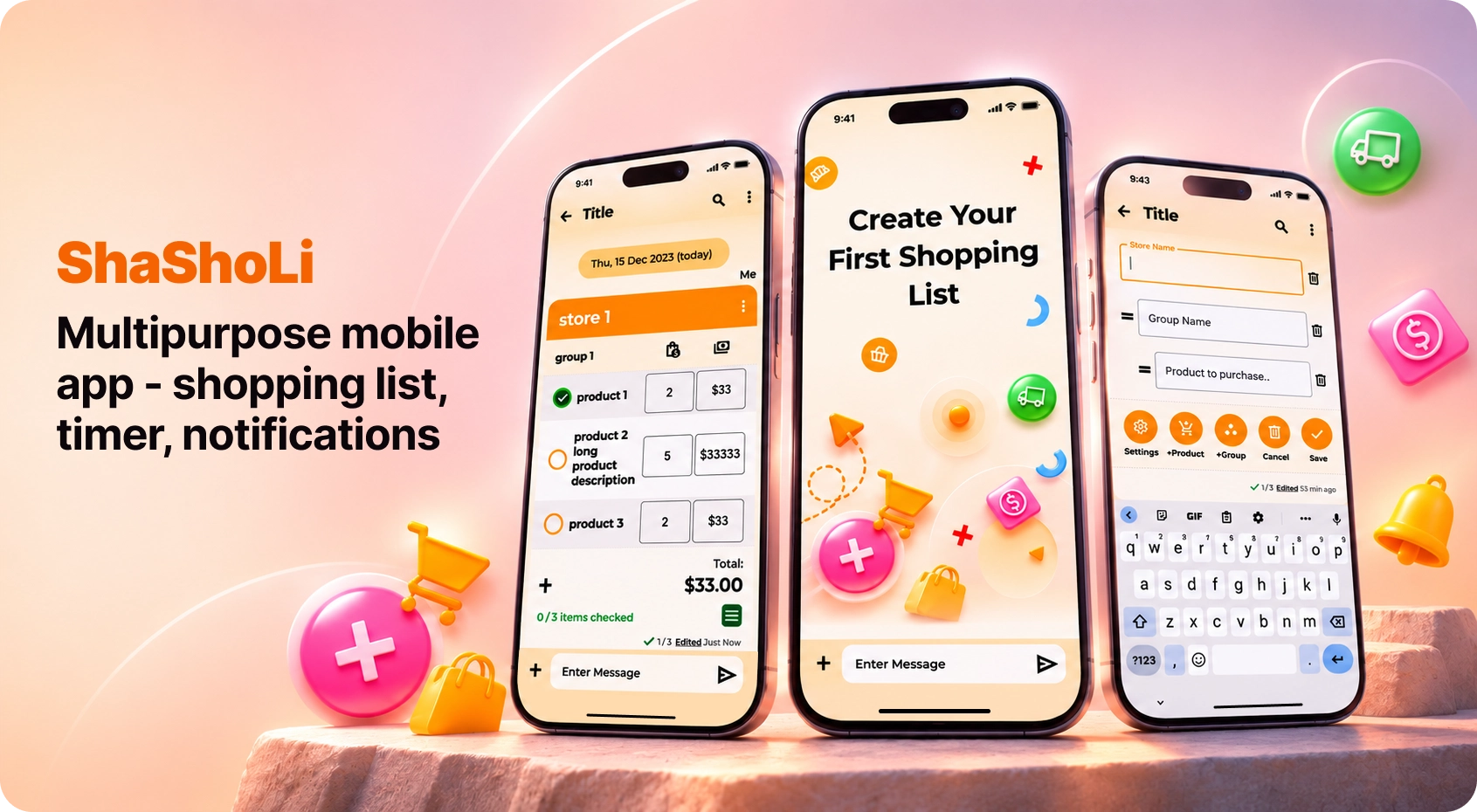
ShaShoLi began as a collaborative shopping checklist, allowing users to assign purchases, track progress, and receive real-time updates.
I redesigned and enhanced its core functionality while expanding the concept into a multipurpose app with new features, including timers, bill splitting, recurring purchases, and to-do lists.

Role: UX/UI Designer/Researcher
Team: Founder/Product Manager
Duration: 30 days

 
Cover Image


ShaShoLi: From Tag System to Multifunctional Mobile App

ShaShoLi began as a collaborative shopping checklist, allowing users to assign purchases, track progress, and receive real-time updates.
I redesigned and enhanced its core functionality while expanding the concept into a multipurpose app with new features, including timers, bill splitting, recurring purchases, and to-do lists.

Role: UX/UI Designer/Researcher
Team: Founder/Developer
Duration: 30 days


Starting Point


Initial Challenge

The project initially focused on redesigning ShaShoLi’s complex and unintuitive tagging system. The goal was to simplify tag management, improve usability, and explore the need for a tag editor and different tag types across the app.


Initial Research

The initial UX audit revealed several key issues: unintuitive navigation, limited functionality, and lack of shortcuts. Cluttered layouts and small text reduced readability, while uninspiring visuals and ineffective content weakened the overall user experience.

Initial Challenge

The project initially focused on redesigning ShaShoLi’s complex and unintuitive tagging system. The goal was to simplify tag management, improve usability, and explore the need for a tag editor and different tag types across the app.


Initial Research

The initial UX audit revealed several key issues: unintuitive navigation, limited functionality, and lack of shortcuts. Cluttered layouts and small text reduced readability, while uninspiring visuals and ineffective content weakened the overall user experience.


Pivoting
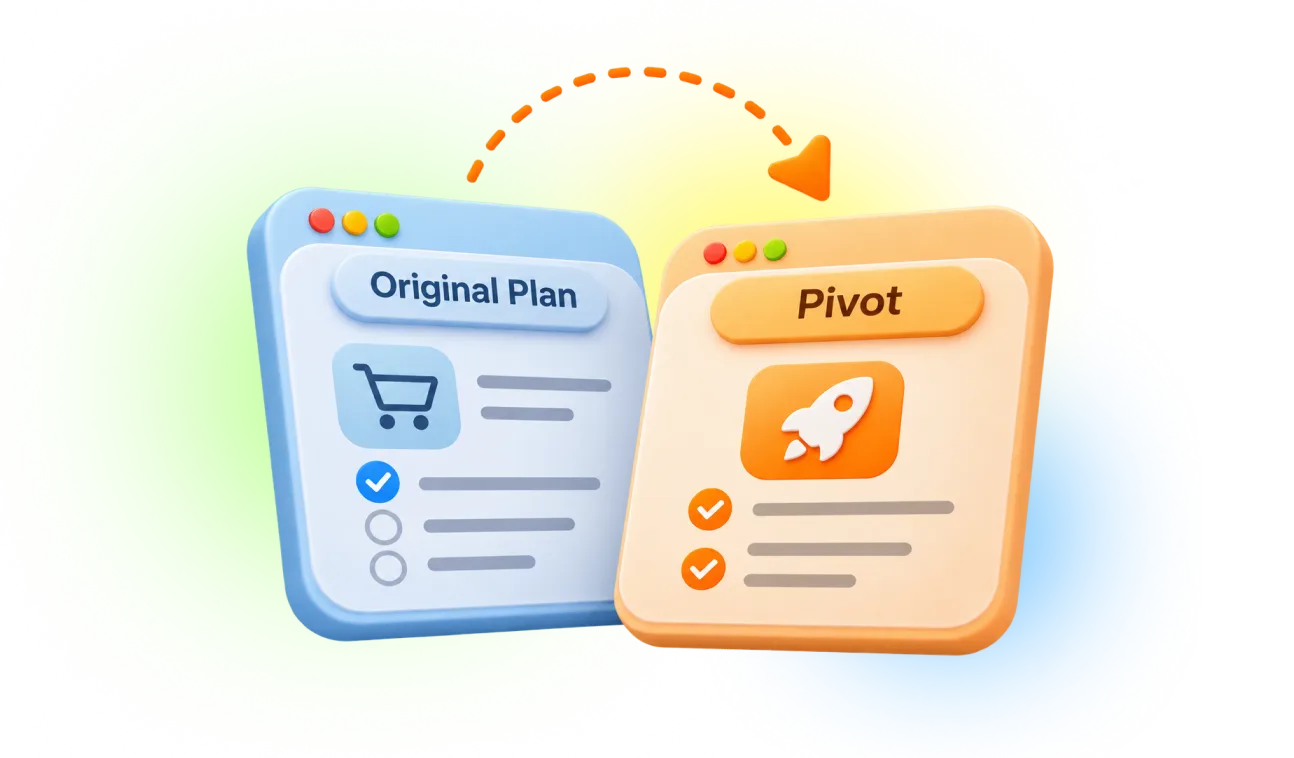


I began with a competitive analysis, but as the research progressed, discussions with the client revealed broader usability challenges that extended beyond the tagging system. This led us to expand the project scope from redesigning the tagging system to improving the entire application.


Key Challenges Identified:

  • Overcrowded interface: The application was already complex, with more features planned for future releases.
  • Missing functionality: Essential features such as bulk actions, color assignment, and notifications needed to be introduced.
  • Usability issues: Several important actions were difficult to discover or not intuitive enough.
  • Upcoming features: Planned functionality needed to be evaluated to ensure it addressed real user needs.
  • Overall user experience: The client wanted to modernize the application, improve usability, and create a more scalable foundation for future growth.

KANO Model

I began with a competitive analysis, but as the research progressed, discussions with the client revealed broader usability challenges that extended beyond the tagging system. This led us to expand the project scope from redesigning the tagging system to improving the entire application.


Key Challenges Identified:

  • Overcrowded interface: The application was already complex, with more features planned for future releases.
  • Missing functionality: Essential features such as bulk actions, color assignment, and notifications needed to be introduced.
  • Usability issues: Several important actions were difficult to discover or not intuitive enough.
  • Upcoming features: Planned functionality needed to be evaluated to ensure it addressed real user needs.
  • Overall user experience: The client wanted to modernize the application, improve usability, and create a more scalable foundation for future growth.


Research - Round 2


The expanded research phase included:

  • Market Research
  • UX-Audit
  • Competitive analysis
  • Proto-personas
  • Interviews
  • Problem Statement

The expanded research phase included:

  • Market Research
  • UX-Audit
  • Competitive analysis
  • Proto-personas
  • Interviews
  • Problem Statement


Market Research


Emerging Trends in Digital Shopping Lists

Based on product research and customer feedback, several key trends are expected to shape the future of digital shopping lists:

  • Simplification: More intuitive, user-friendly interfaces.
  • Cross-device integration: Seamless syncing with smartwatches, voice assistants, and other devices.
  • Expanded functionality: Recipes, photos, product details, and purchase history.
  • Savings management: Integration of coupons, deals, flyers, and loyalty programs.
  • Smart organization: Automatic categorization and intelligent list management.
  • Personalization: Customizable experiences and integration with other apps and services.


The Rise of Digital Grocery Planning

  • 79.2% of grocery shoppers use digital tools before or during shopping trips.
  • 49.6% of surveyed consumers reported using digital grocery shopping lists often or always.
  • 30% of surveyed shoppers use their phones to check off items on digital grocery lists while shopping in-store.
  • 90%+ of grocery shoppers participate in both online and in-store shopping.


Emerging Trends in Digital Shopping Lists

Based on product research and customer feedback, several key trends are expected to shape the future of digital shopping lists:

  • Simplification: More intuitive, user-friendly interfaces.
  • Cross-device integration: Seamless syncing with smartwatches, voice assistants, and other devices.
  • Expanded functionality: Recipes, photos, product details, and purchase history.
  • Savings management: Integration of coupons, deals, flyers, and loyalty programs.
  • Smart organization: Automatic categorization and intelligent list management.
  • Personalization: Customizable experiences and integration with other apps and services.


The Rise of Digital Grocery Planning

  • 79.2% of grocery shoppers use digital tools before or during shopping trips.
  • 49.6% of surveyed consumers reported using digital grocery shopping lists often or always.
  • 30% of surveyed shoppers use their phones to check off items on digital grocery lists while shopping in-store.
  • 90%+ of grocery shoppers participate in both online and in-store shopping.


UX-Audit

Key Issues Identified During the UX Audit

  • Limited user control: Actions couldn't be undone.
  • Inefficient workflows: No shortcuts or simplified actions.
  • Cluttered interface: Overcrowded screens.
  • Lack of guidance: No help section or documentation.
  • Outdated design: Dull, uninspiring visuals.
  • Low engagement: Little emotional appeal.
  • Poor readability: Small text and dense layouts.
  • Unclear communication: Ineffective content and visuals.

Key Issues Identified During the UX Audit

  • Limited user control: Actions couldn't be undone.
  • Inefficient workflows: No shortcuts or simplified actions.
  • Cluttered interface: Overcrowded screens.
  • Lack of guidance: No help section or documentation.
  • Outdated design: Dull, uninspiring visuals.
  • Low engagement: Little emotional appeal.
  • Poor readability: Small text and dense layouts.
  • Unclear communication: Ineffective content and visuals.


Key Competitive Insights


AnyList, Mealime, Our Groceries


Opportunities for Future Improvements

Based on user preferences and competitive analysis, I recommended considering the following features for future iterations:

  • Recipe management: Save custom recipes and convert ingredients into shopping lists.
  • Store-based organization: Arrange shopping lists to match preferred store layouts.
  • Product images: Add photos for easier item identification.
  • Voice assistance: Manage shopping lists using voice commands.


Common Issues to Avoid

Competitive analysis revealed several recurring user frustrations that should be addressed in our design:

  • Syncing issues: Lists not updating consistently across devices.
  • Collaboration difficulties: Challenges with sharing and managing lists.
  • Excessive notifications: Too many alerts when lists are updated.
  • Restricted features: Adding product photos requires a paid upgrade.
  • Missing functionality: No built-in calculator in some apps.

Opportunities for Future Improvements

Based on user preferences and competitive analysis, I recommended considering the following features for future iterations:

  • Recipe management: Save custom recipes and convert ingredients into shopping lists.
  • Store-based organization: Arrange shopping lists to match preferred store layouts.
  • Product images: Add photos for easier item identification.
  • Voice assistance: Manage shopping lists using voice commands.

Common Issues to Avoid

Competitive analysis revealed several recurring user frustrations that should be addressed in our design:

  • Syncing issues: Lists not updating consistently across devices.
  • Collaboration difficulties: Challenges with sharing and managing lists.
  • Excessive notifications: Too many alerts when lists are updated.
  • Restricted features: Adding product photos requires a paid upgrade.
  • Missing functionality: No built-in calculator in some apps.


Interviews


After developing proto-personas, I conducted interviews with prospective users and used AI to validate my assumptions and gain real-world insights.

Key Research Findings:

  • Shopping Lists: Most users create lists on their phones.
  • Efficiency: Users plan routes or shop aisle by aisle.
  • Forgotten Items: Users sometimes forget items or buy duplicates.
  • Coordination: Sharing lists with partners can be challenging.
  • Syncing: Delayed updates cause confusion and duplicate purchases.
  • Price Comparison: Finding deals and comparing prices can be time-consuming.
  • Store Layouts: Apps don't always match users' preferred store layouts.

Highly Requested Features

Interviewees showed strong interest in the following proposed features, so I recommended prioritizing them for this iteration:

  • Recurring Purchases List: A list of regularly purchased items.
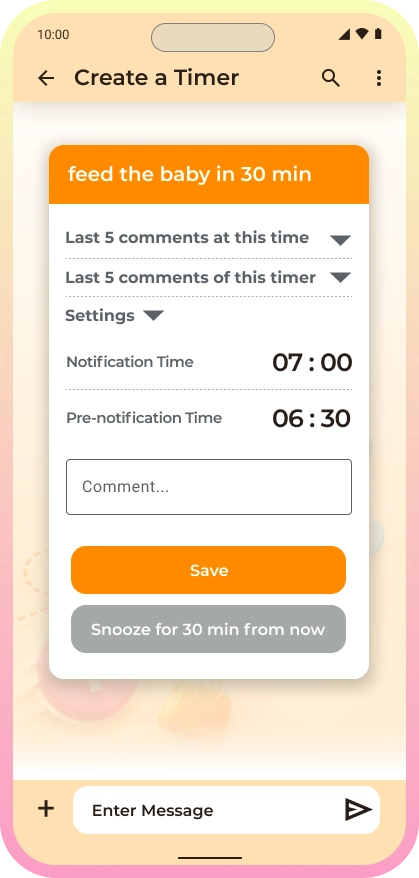
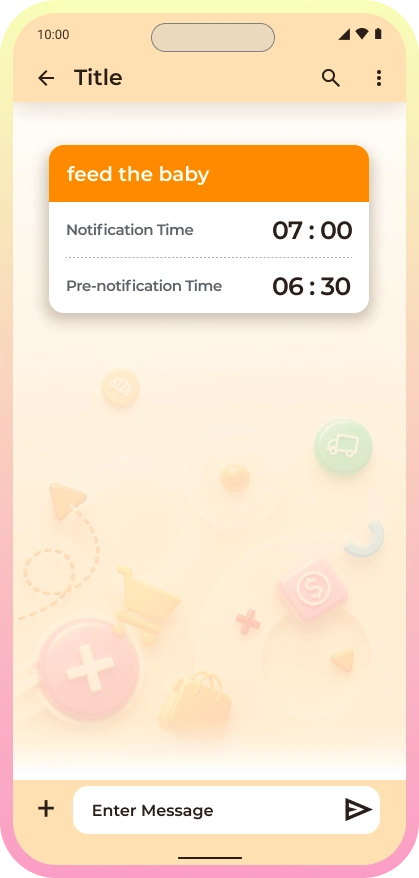
  • Recurring Reminders: Timed alerts for everyday tasks, such as feeding a baby or taking medication.

After developing proto-personas, I conducted interviews with prospective users and used AI to validate my assumptions and gain real-world insights.

Key Research Findings:

  • Shopping Lists: Most users create lists on their phones.
  • Efficiency: Users plan routes or shop aisle by aisle.
  • Forgotten Items: Users sometimes forget items or buy duplicates.
  • Coordination: Sharing lists with partners can be challenging.
  • Syncing: Delayed updates cause confusion and duplicate purchases.
  • Price Comparison: Finding deals and comparing prices can be time-consuming.
  • Store Layouts: Apps don't always match users' preferred store layouts.

Highly Requested Features

Interviewees showed strong interest in the following proposed features, so I recommended prioritizing them for this iteration:

  • Recurring Purchases List: A list of regularly purchased items.
  • Recurring Reminders: Timed alerts for everyday tasks, such as feeding a baby or taking medication.


Key Takeaways


There is a need for a more efficient, simple and collaborative way to manage grocery shopping that minimizes forgotten items, prevents duplicates, and simplifies coordination with users’ partners.

There is a need for a more efficient, simple and collaborative way to manage grocery shopping that minimizes forgotten items, prevents duplicates, and simplifies coordination with users’ partners.


Persona


Emily

Emily's photo
Age: 34 Job Title: Marketing Manager at a mid-sized tech company Location: Seattle, WA Family: Lives with her partner, no kids Emily's mental model is focused on efficiency, organization, and collaboration. She values simple, intuitive tools that help her shop with minimal effort and greater control.

Pain Points:

  • Time Constraints: Limited time for meal planning and grocery shopping often leads to rushed trips and forgotten items.
  • Partner Coordination: Busy schedules make it difficult to track purchases and coordinate shopping with her partner.
  • Meal Planning: Struggles to plan healthy, varied, and easy-to-prepare meals.
  • Disorganization: Duplicate purchases and missing ingredients cause frustration and wasted time.

Emily

Emily's photo
Age: 34 Job Title: Marketing Manager at a mid-sized tech company Location: Seattle, WA Family: Lives with her partner, no kids Emily's mental model is focused on efficiency, organization, and collaboration. She values simple, intuitive tools that help her shop with minimal effort and greater control.

Pain Points:

  • Time Constraints: Limited time for meal planning and grocery shopping often leads to rushed trips and forgotten items.
  • Partner Coordination: Busy schedules make it difficult to track purchases and coordinate shopping with her partner.
  • Meal Planning: Struggles to plan healthy, varied, and easy-to-prepare meals.
  • Disorganization: Duplicate purchases and missing ingredients cause frustration and wasted time.

Goals:

  • Efficient Shopping: Enjoy a streamlined, organized grocery shopping experience that fits her busy schedule.
  • Easy Collaboration: Coordinate shopping with her partner without excessive messaging or confusion.
  • Stress-Free Cooking: Have all the necessary ingredients on hand, avoiding last-minute trips to the store.
  • Budget Management: Stay within budget by finding deals and comparing prices across stores.

Emotional Needs

  • Efficiency: Wants to save time, stay organized, and avoid unnecessary shopping trips.
  • Collaboration: Needs effortless coordination with her partner to prevent duplicate purchases and share responsibilities.
  • Control: Wants to feel confident managing meals, groceries, and her budget.
  • Simplicity: Prefers intuitive tools that fit easily into her daily routine.
  • Peace of Mind: Wants a stress-free, predictable shopping and meal-planning experience.

Goals:

  • Efficient Shopping: Enjoy a streamlined, organized grocery shopping experience that fits her busy schedule.
  • Easy Collaboration: Coordinate shopping with her partner without excessive messaging or confusion.
  • Stress-Free Cooking: Have all the necessary ingredients on hand, avoiding last-minute trips to the store.
  • Budget Management: Stay within budget by finding deals and comparing prices across stores.

Emotional Needs

  • Efficiency: Wants to save time, stay organized, and avoid unnecessary shopping trips.
  • Collaboration: Needs effortless coordination with her partner to prevent duplicate purchases and share responsibilities.
  • Control: Wants to feel confident managing meals, groceries, and her budget.
  • Simplicity: Prefers intuitive tools that fit easily into her daily routine.
  • Peace of Mind: Wants a stress-free, predictable shopping and meal-planning experience.


Meanings


Based on our research, the app has the potential to provide users with three meaningful benefits:

  • Accomplishment: Helps users organize and complete shopping tasks efficiently, creating a sense of achievement.
  • Harmony: Improves household coordination, reduces misunderstandings, and encourages collaboration.
  • Security: Prevents forgotten purchases, reduces stress, and supports better budgeting and planning.

Based on our research, the app has the potential to provide users with three meaningful benefits:

  • Accomplishment: Helps users organize and complete shopping tasks efficiently, creating a sense of achievement.
  • Harmony: Improves household coordination, reduces misunderstandings, and encourages collaboration.
  • Security: Prevents forgotten purchases, reduces stress, and supports better budgeting and planning.


The Design Challenge


Problem Statement

Emily needs a simple, convenient, and reliable way to create and share shopping lists with her partner so they can both save time and effort when grocery shopping.


“How might we..?” question

How might we enable users to easily create, share, and collaborate on shopping lists and other shared information while keeping the experience simple yet powerful?

Problem Statement

Emily needs a simple, convenient, and reliable way to create and share shopping lists with her partner so they can both save time and effort when grocery shopping.


“How might we..?” question

How might we enable users to easily create, share, and collaborate on shopping lists and other shared information while keeping the experience simple yet powerful?


Ideation


Based on our research findings, we prioritized the following improvements for this iteration:

  • Seamless Syncing: Ensure reliable synchronization across devices and accounts.
  • Product Categories: Organize items to help users plan their routes through stores.
  • Timers: Introduce reminders for recurring tasks.
  • UI Simplification: Create a cleaner, more intuitive interface.

We then conducted an ideation session using four techniques:

  • Analogy
  • Challenging Assumptions
  • Reverse Thinking
  • Brainstorming

Based on our research findings, we prioritized the following improvements for this iteration:

  • Seamless Syncing: Ensure reliable synchronization across devices and accounts.
  • Product Categories: Organize items to help users plan their routes through stores.
  • Timers: Introduce reminders for recurring tasks.
  • UI Simplification: Create a cleaner, more intuitive interface.

We then conducted an ideation session using four techniques:

  • Analogy
  • Challenging Assumptions
  • Reverse Thinking
  • Brainstorming


Monetization


Based on competitive analysis and user preferences, we chose a freemium business model.

Free Version: Essential features, including creating and sharing grocery lists.

Premium Version: Advanced features, such as:

  • Ad-free experience
  • Integration with meal-planning and budgeting tools
  • Custom themes and personalization options

Additional Revenue Opportunity: We also considered privacy-conscious data monetization as a potential future revenue stream.

Based on competitive analysis and user preferences, we chose a freemium business model.

Free Version: Essential features, including creating and sharing grocery lists.

Premium Version: Advanced features, such as:

  • Ad-free experience
  • Integration with meal-planning and budgeting tools
  • Custom themes and personalization options

Additional Revenue Opportunity: We also considered privacy-conscious data monetization as a potential future revenue stream.


UI Design


Prototype


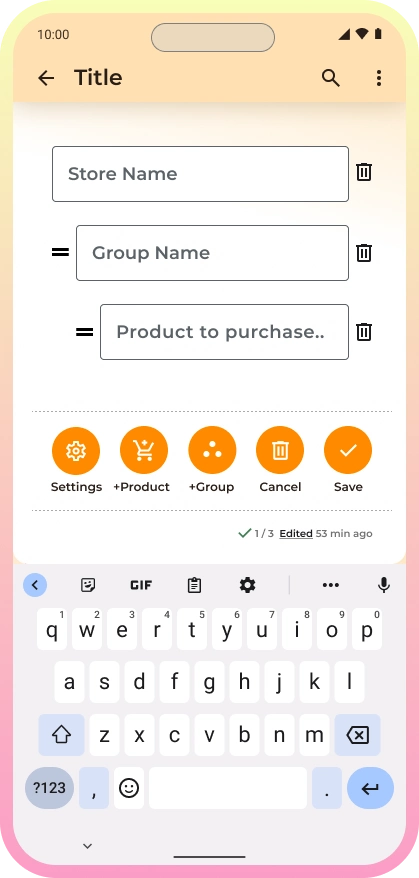
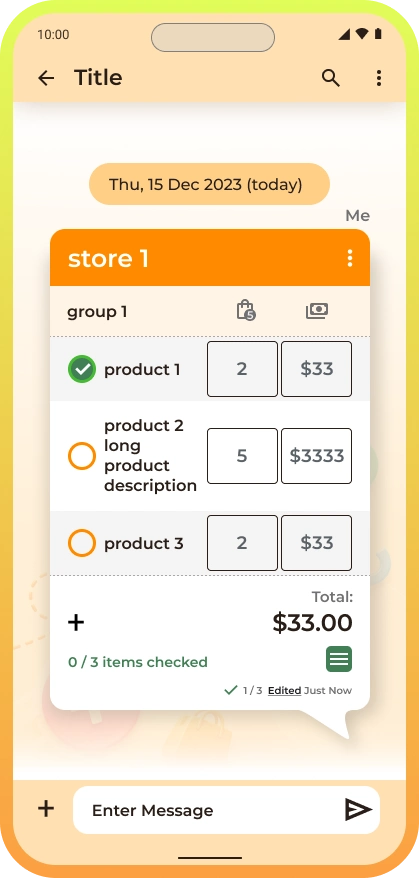
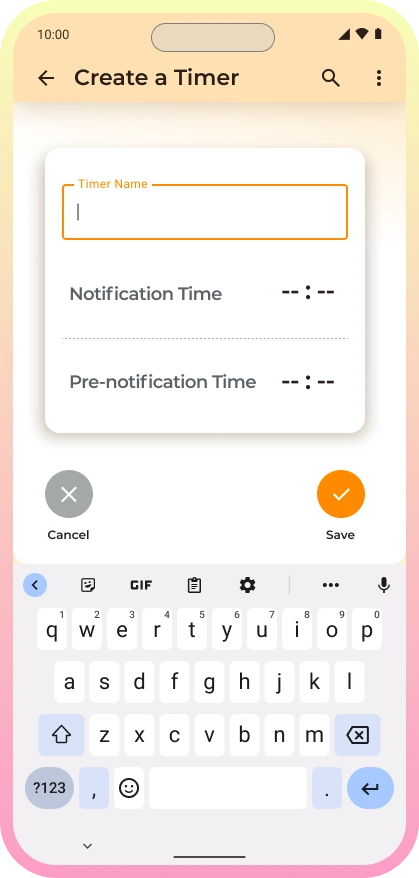
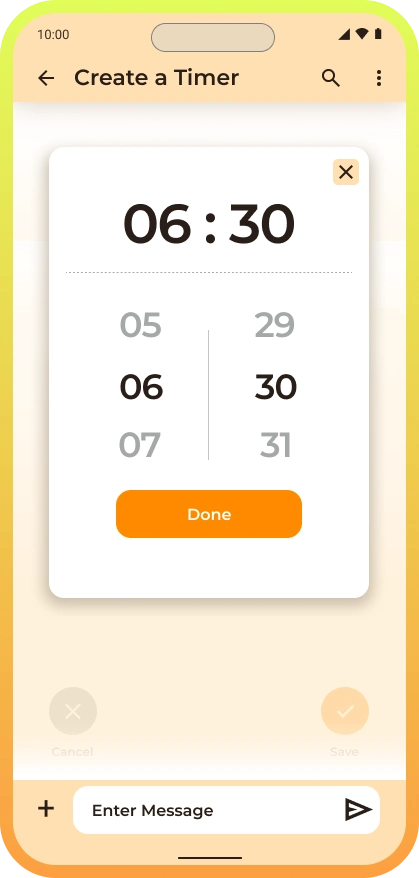
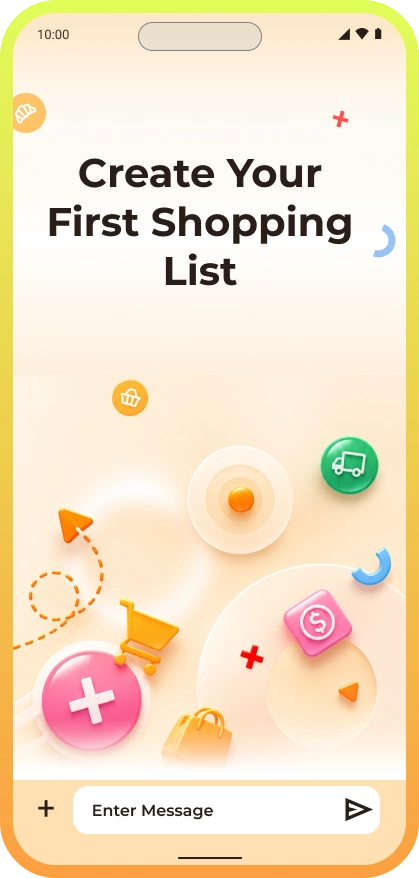
The interactive prototype showcases the redesigned interface through two key flows:
Timer: Create timers and receive notifications—a new feature introduced during ideation.
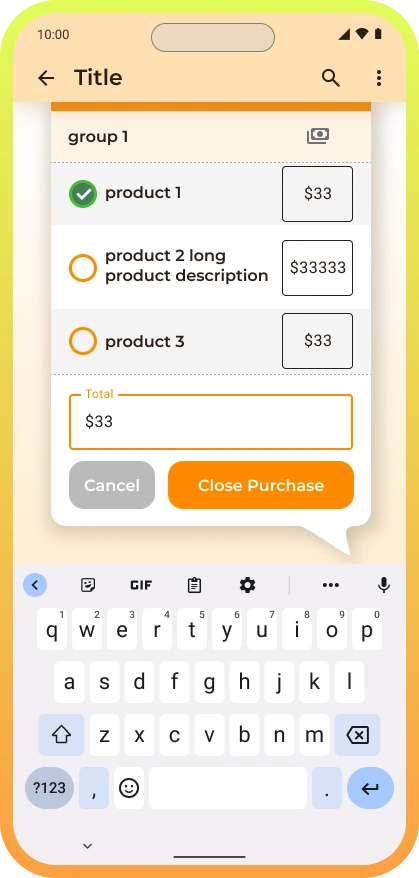
Shopping List: Explore the updated information architecture, product categories, list creation, settings, and checkout.

How to interact: Click or tap the prototype to navigate through the flows. Click outside the interactive areas to reveal available hotspots.


Future Roadmap


With the initial prototypes completed, I outlined the next steps for future development: prototyping the remaining features, conducting usability testing, aligning the marketing strategy, and preparing for developer handoff.

With the initial prototypes completed, I outlined the next steps for future development: prototyping the remaining features, conducting usability testing, aligning the marketing strategy, and preparing for developer handoff.


Thank you!